ForevTech
ForevTech Wireless CarPlay Car Radio
ForevTech Wireless CarPlay Car Radio
One elegant dock for your iPhone, Apple Watch & AirPods — no cable clutter.
Fast Worldwide Shipping • 12-Month Replacement Guarantee
Couldn't load pickup availability
✓ Free Shipping · ✓ 12-Month Replacement Guarantee · ✓ Secure Checkout
Experience the Ultimate Car Multimedia Upgrade
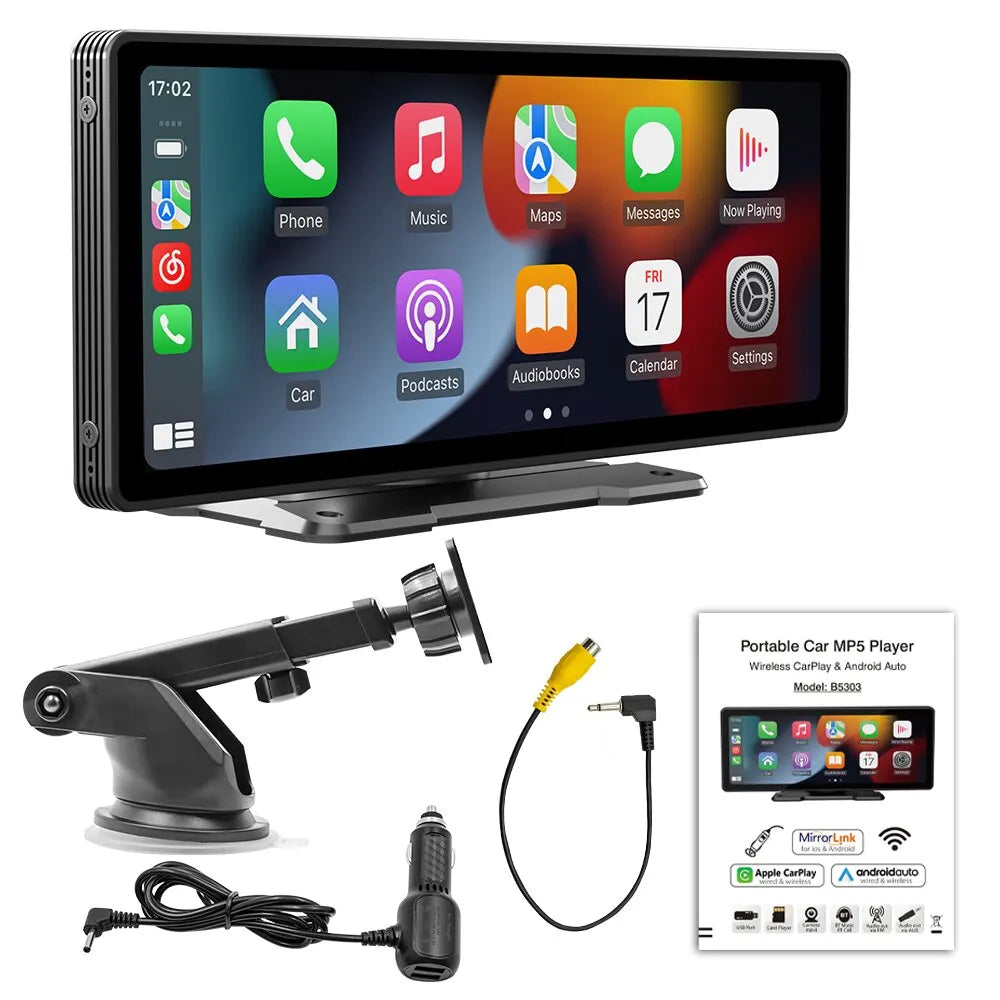
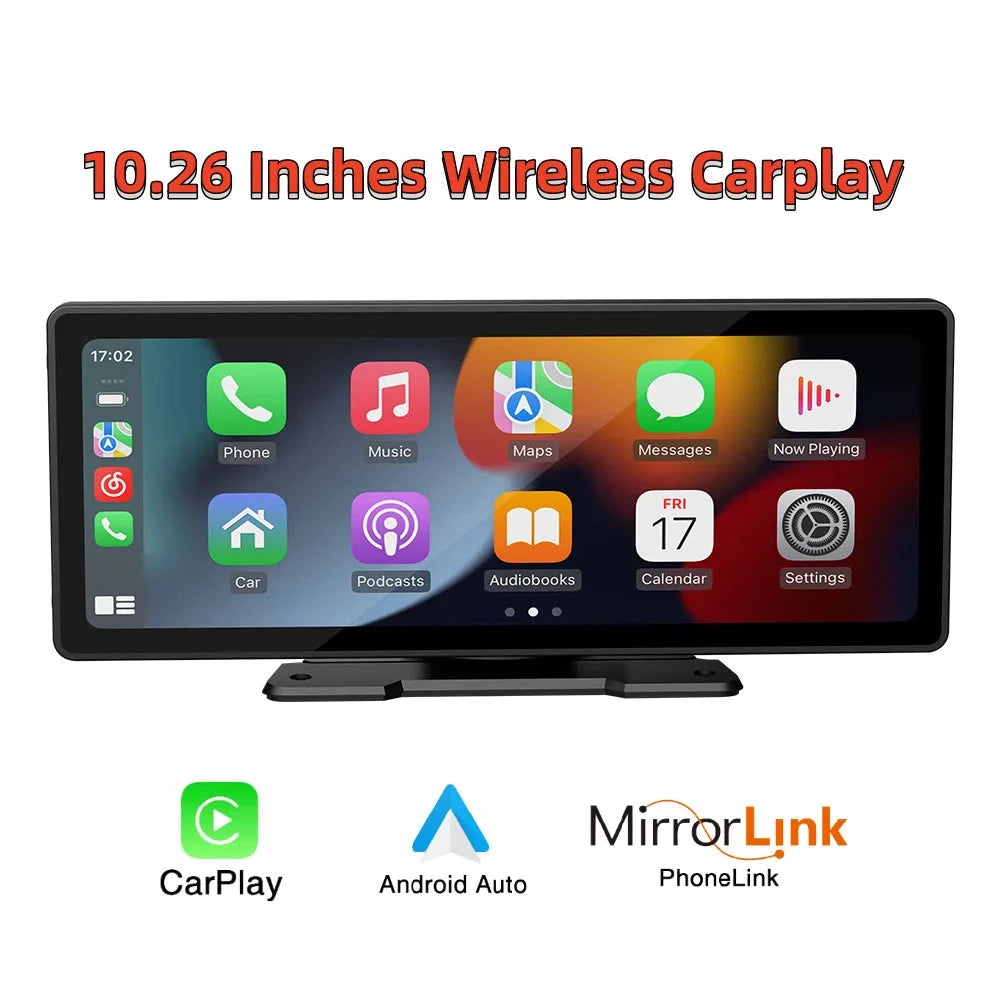
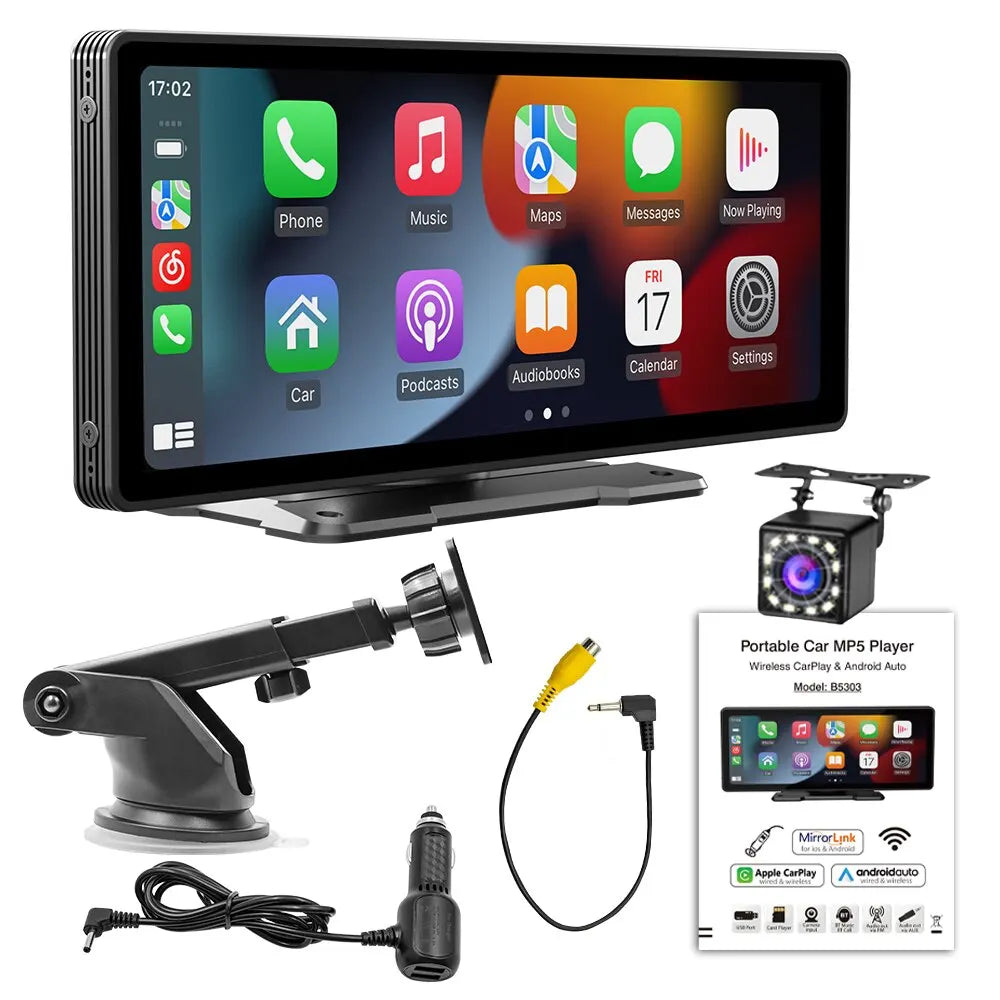
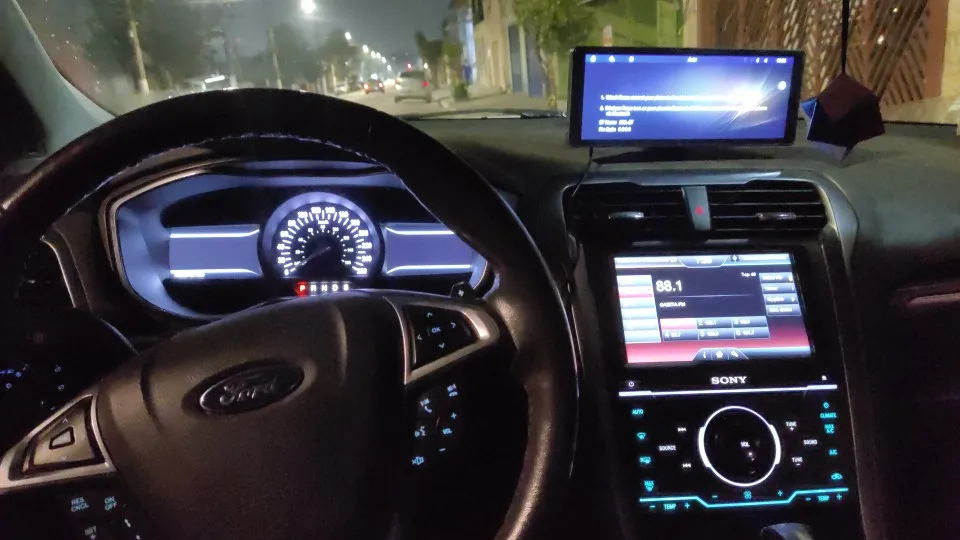
Introducing the ForevTech 10.26 Inch Car Multimedia Carplay & Android Auto Screen, the perfect solution for drivers seeking a seamless blend of technology and convenience. This state-of-the-art multimedia system is not just another car accessory; it's a game changer that enhances your driving experience with its innovative features.
Why Choose ForevTech?
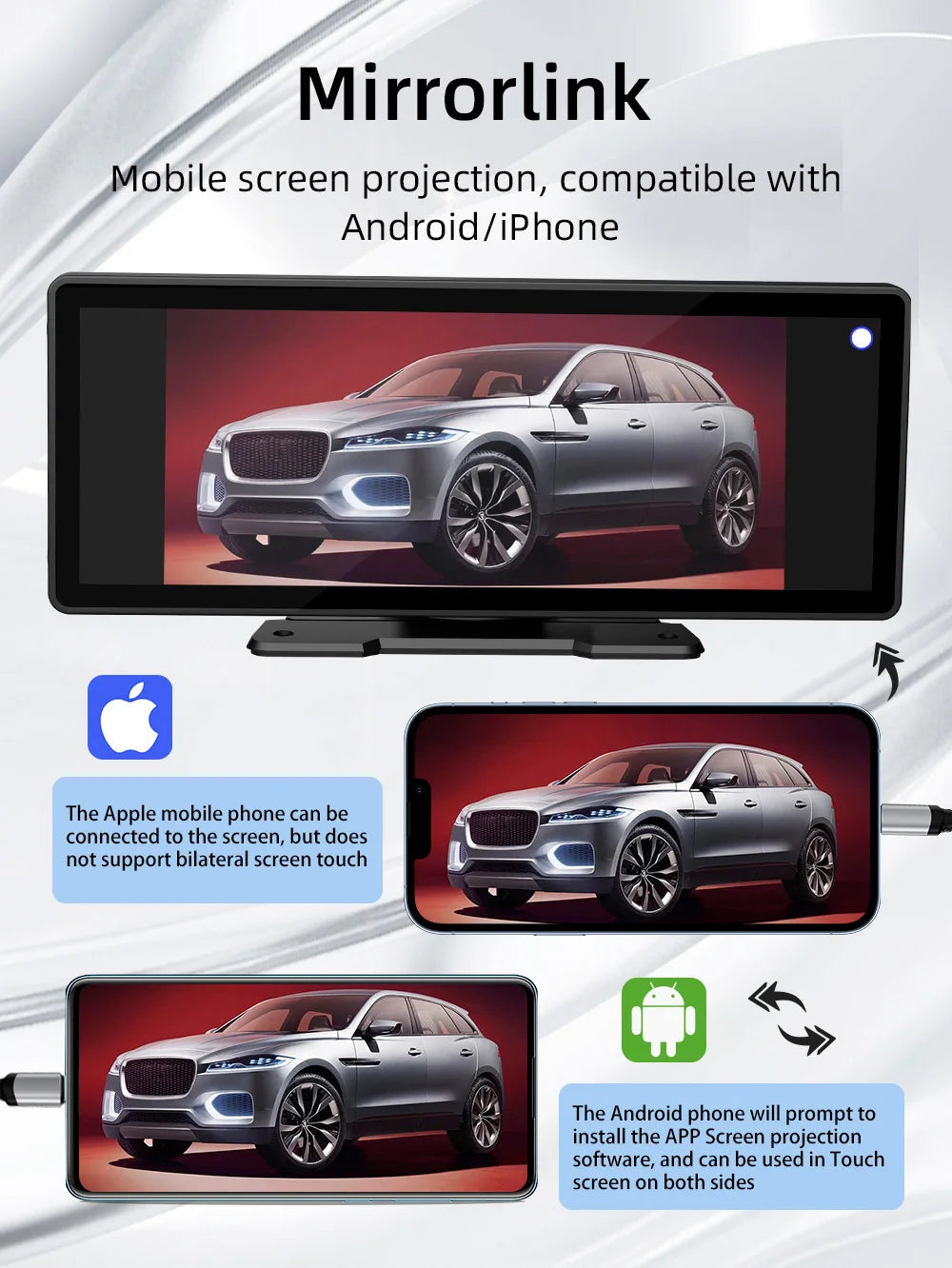
- Universal Compatibility: Works effortlessly with both Apple and Android devices, making it the ideal choice for any driver.
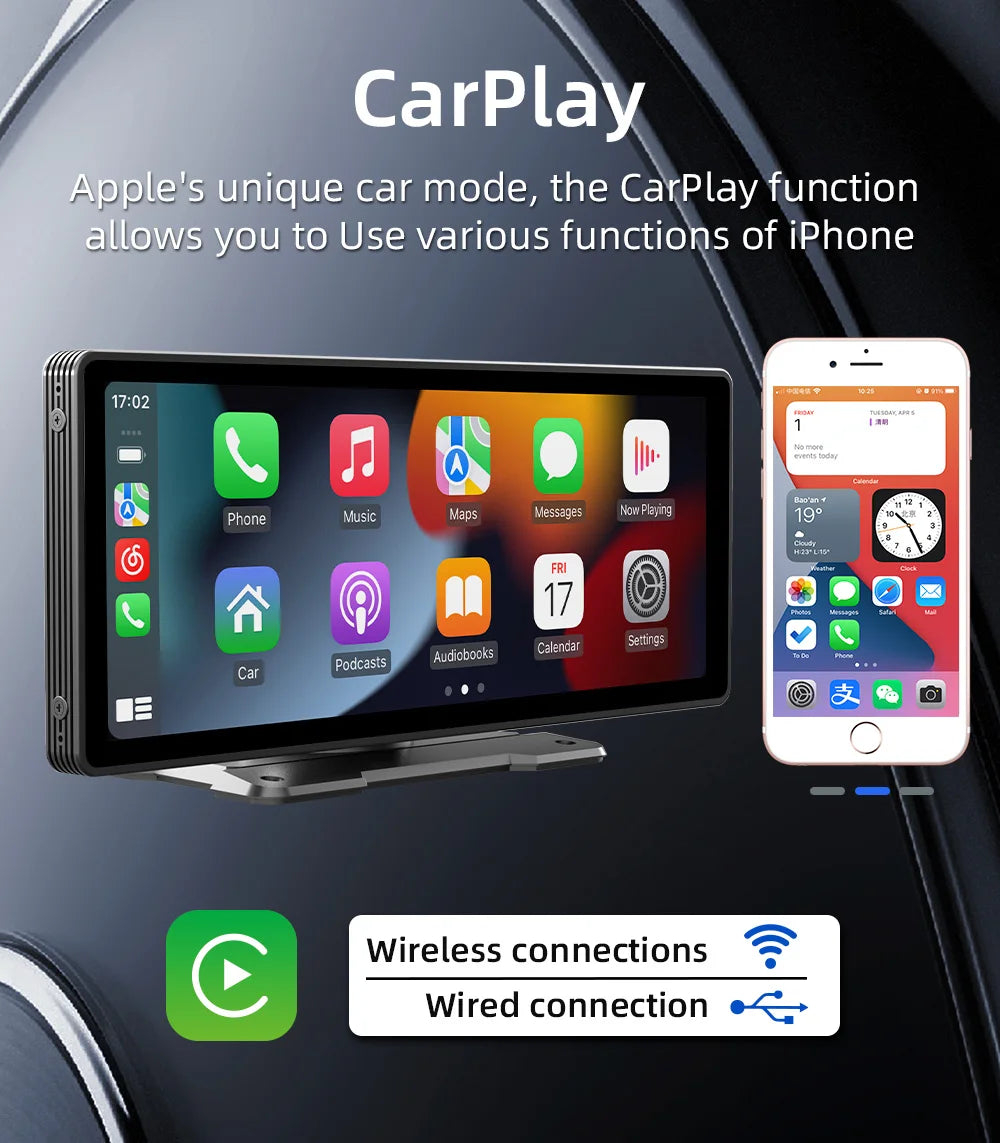
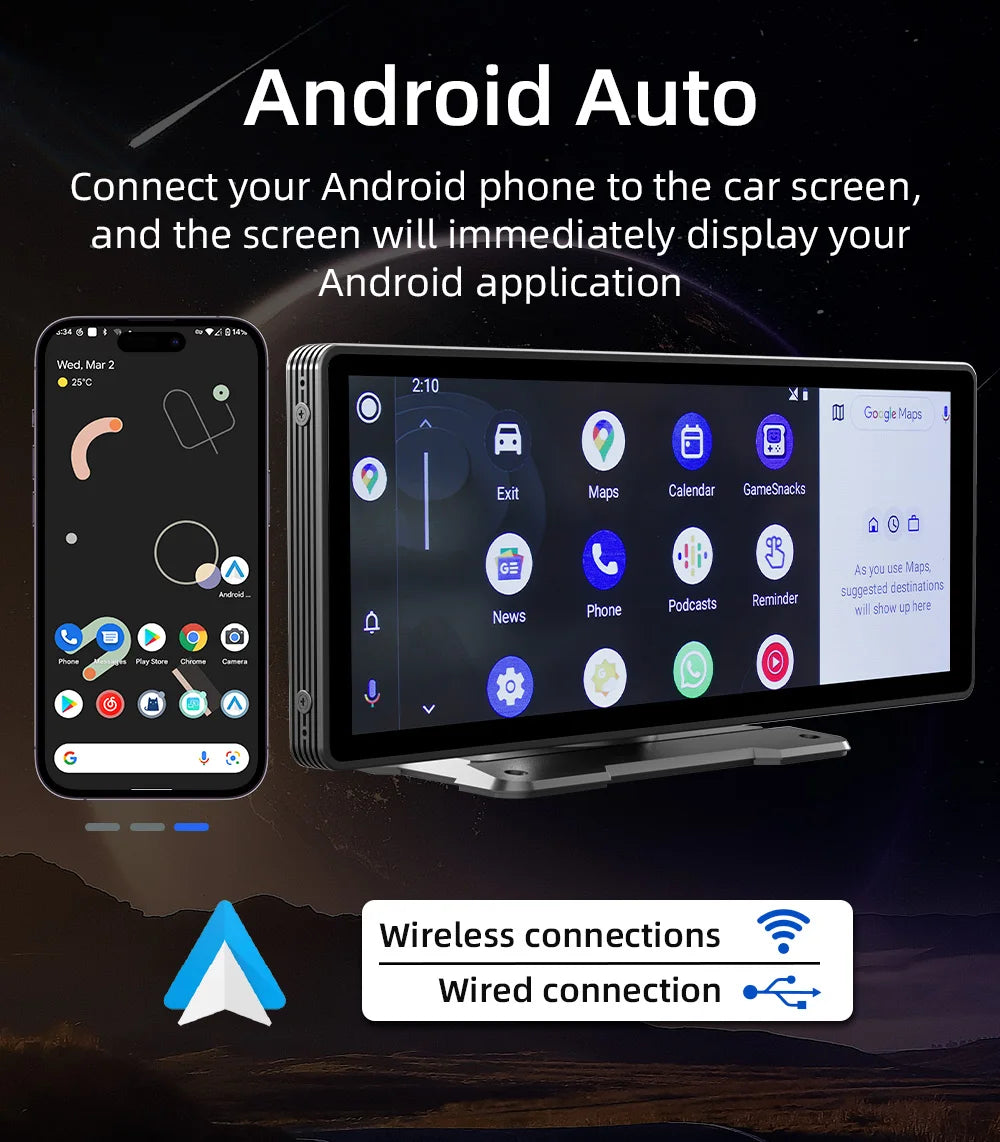
- Wireless Integration: Enjoy the freedom of wireless Carplay and Android Auto, allowing for easy phone connection without the clutter of cables.
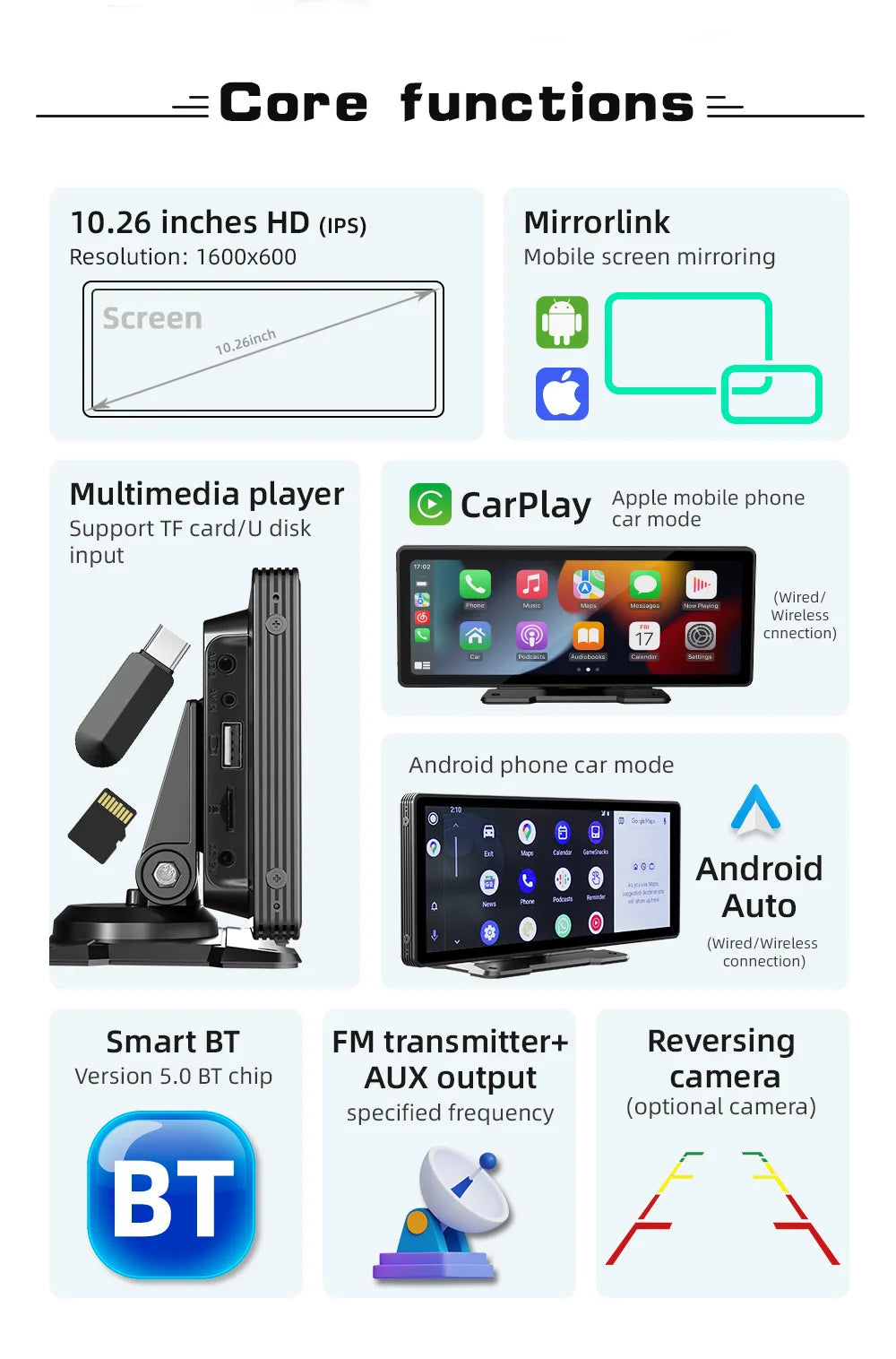
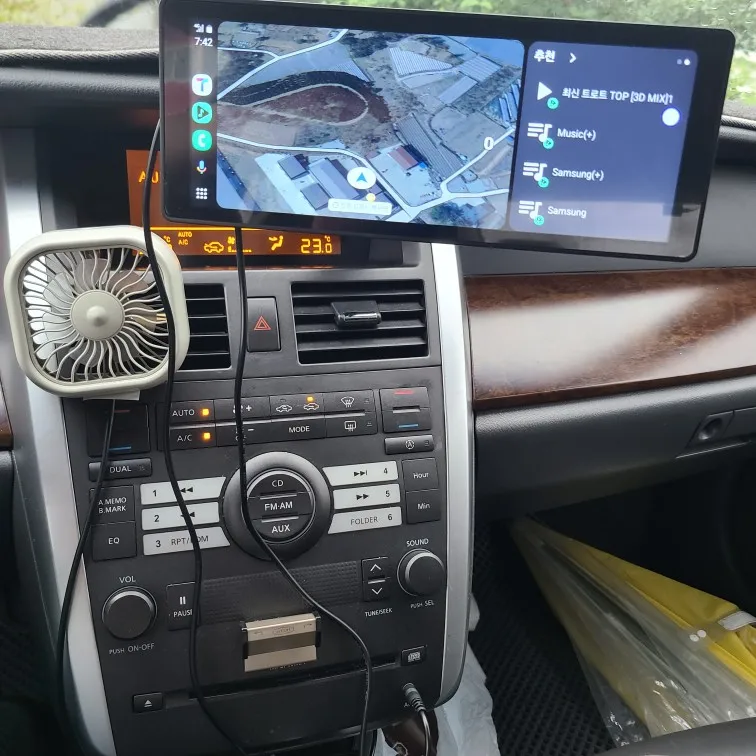
- Stunning Display: The 10.26-inch high-quality display offers vibrant visuals and easy navigation for music and video playback.
- Wi-Fi Connectivity: Stream music and videos directly from your device or the internet, providing a wire-free experience.
Easy Installation
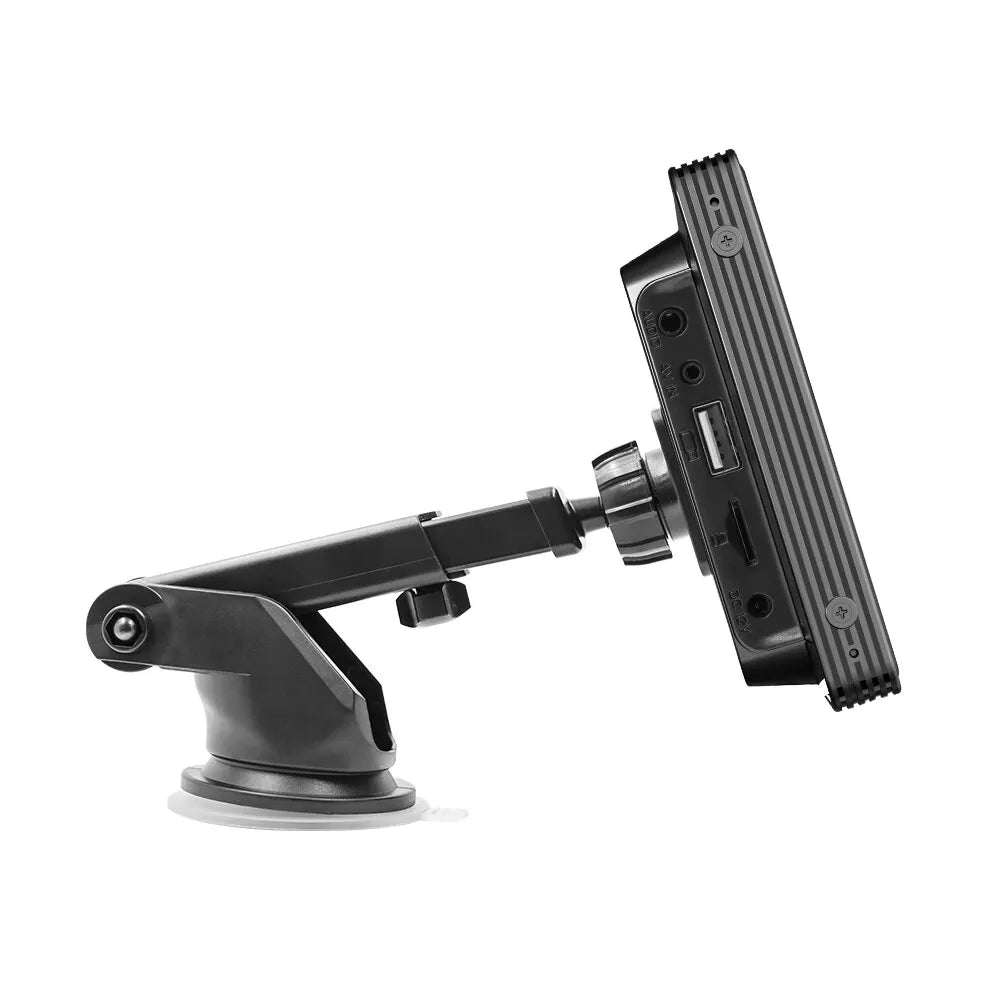
Say goodbye to complicated setups. The ForevTech multimedia player is designed for quick and hassle-free installation. Whether you're a DIY enthusiast or a novice, you can install this device without needing professional help, saving both time and money.
Comprehensive Features
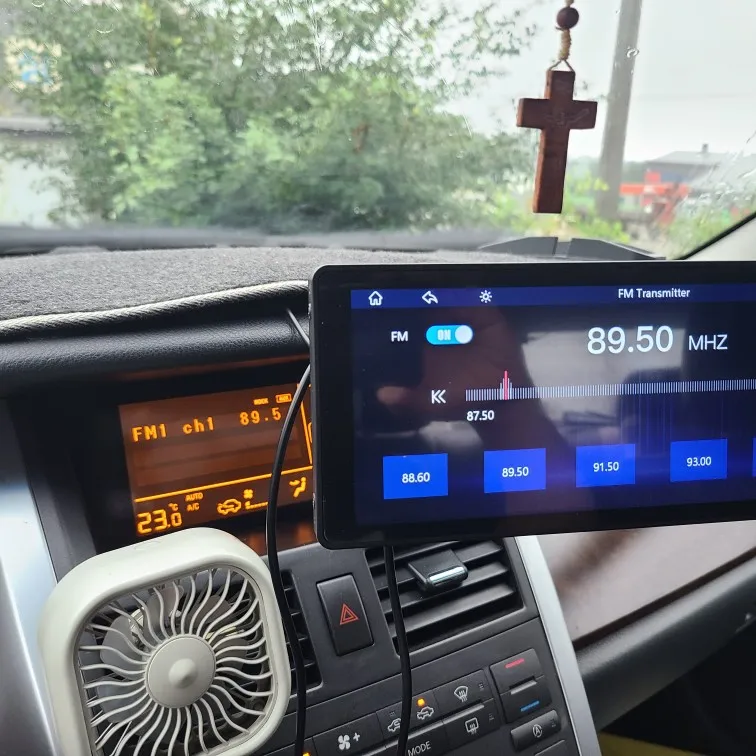
- Radio frequency transmission function
- USB flash drive and SD card compatibility for audio, video, and pictures
- Advanced Bluetooth functionality
- Wired and wireless display options for both Android Auto and Apple CarPlay
- Optional rearview camera integration for extra safety
Customer Support & Troubleshooting
ForevTech prioritizes your satisfaction. Our customer service is ready to assist you with any questions about connectivity, functionality, and troubleshooting. Here are some quick FAQs:
- How to connect to Carplay and Android Auto? Simply search for the Bluetooth device "carplay" on your mobile phone and follow the prompts.
- Experiencing connection issues? Clear previous Bluetooth connections and restart both your phone and the device for optimal pairing.
- Need help with volume control? Adjust the volume directly from the status bar on the touchscreen display.
Upgrade Your Driving Experience
In a world where technology is advancing rapidly, the ForevTech 10.26 Inch Car Multimedia Screen stands out with its unparalleled features, ease of use, and driver-centric design. Elevate your car's entertainment system today and enjoy the freedom of modern driving.